Here's an easier DoF:
http://trekkiegrrrl.dk/DOFtut1.htm
Depth of Field - 3D Poser
http://www.keindesign.de/stefan/poser/dof_p5.html
Using depth of field in Poser 5 by STEPHAN
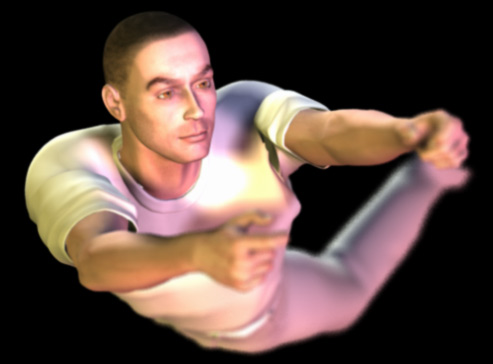
One underrated feature of the FireFly renderer in Poser 5 is the depth of field effect. With it, you can create more realistic images in which objects are in or out of focus depending on their distance to the camera.In order to use that effect properly, you need to set the following things in the render settings:
- switch to the FireFly renderer
- set a high value for the pixel samples slider
- turn on the depth of field checkbox
- go to Edit/General Preferences and set the display units to feet
- switch to the camera view you will use for rendering
- select the object you want to be in focus
- run the script and watch it printing a number
- copy that number to the focal distance field
- render

ROzbeans
20 years ago