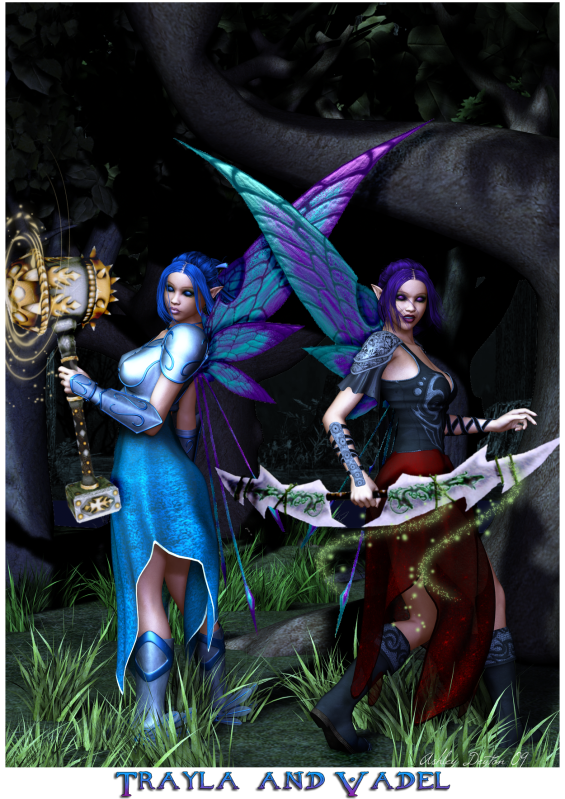
Thats why I dislike using epic screenshots in 3D pics.. it's tricky getting them to 'match' the scene!
 I haven't mastered that skill just yet, but here's how I do it when I'm forced to use an epic in a picture.
 Lets see if I can explain it... LOL I use Photoshop btw
Multiple copy layers of the epic layer so you have 2-3 to work with...
First layer blend mode is normal
2nd layer I will play with overlay/soft light mode and you can play around with gaussian blur on the layer as well (usually just blur at 1 or 2 is good enough). And if I use the blur, I make sure the blurred layer is set as 'clipping masked' to the layer beneath it so the edges aren't all overly blurry.
You can try to play around with the many layer modes. I'm sure others would work too like possiblly multiply and screen .. as well as playing with the curves (under adjustments).
I'm sure Sabby has better tricks since she's like master of 3D magelos and use epics in some of them.