bryce abstracts
test
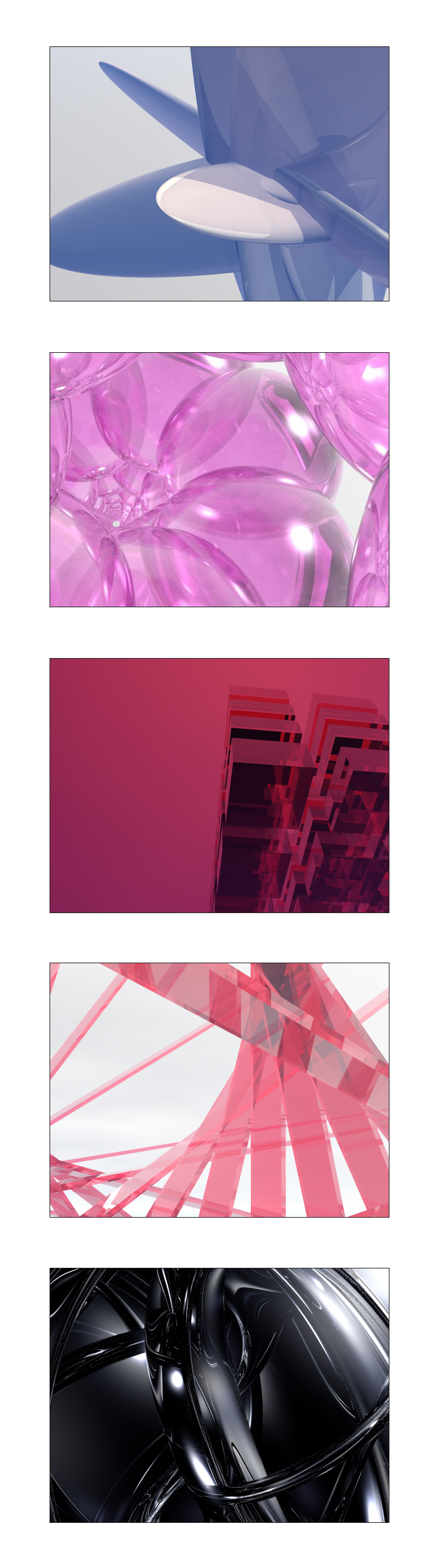

ROzbeans
22 years ago
/rawr! Love the black one!

drizzi
22 years ago
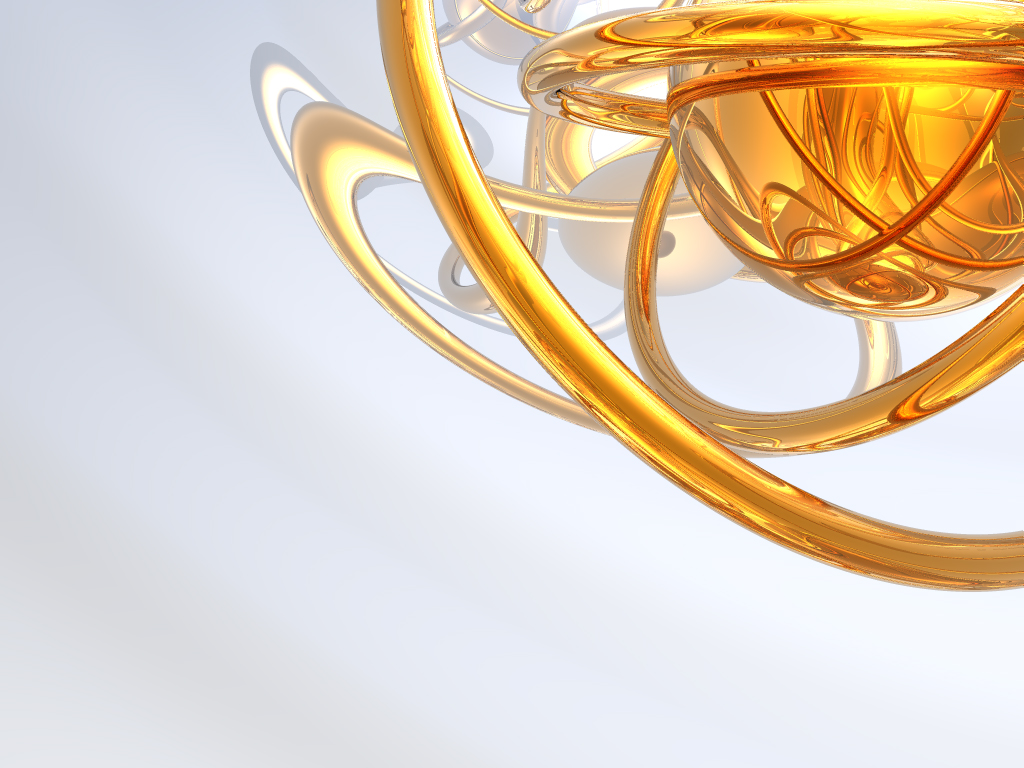
some larger ones testing different materials =P




Azlex
22 years ago
Wow, those are really neat. I really like the gold figure on the black background. Those would make great wallpapers.
Belial
22 years ago
Those are awesome!
I have Bryce, but I don't know how to make it do stuff like that! I mainly just use it for landscapes/planetscapes and such. I should get a book and learn how to use it.
I have Bryce, but I don't know how to make it do stuff like that! I mainly just use it for landscapes/planetscapes and such. I should get a book and learn how to use it.
ROzbeans
22 years ago
Drizzi needs to do a tutorial! He said it takes like 5 mins to do those and when I get my copy of bryce...legally of course 😳 ...I'm going to bug him about it!
Belial
22 years ago
Yeah man, a tutorial or a link to a good tutorial to do that kind of stuff would be much appreciated!
Drexen
22 years ago
can you post 1600x1200? I could use it then =D
Tornt
21 years ago
that's a sweet black/gold twirl going on
drizzi
21 years ago
method1: multireplicate
basically insert 1 object and let it automatically multiplate with different sizes/angles
method2: mirror spheres
basically putting objects into a round sphere with some reflections
found couple more useful tuts for other programs on that site as well
basically insert 1 object and let it automatically multiplate with different sizes/angles
method2: mirror spheres
basically putting objects into a round sphere with some reflections
found couple more useful tuts for other programs on that site as well
Guest
21 years ago
Agree!!
Drexen
can you post 1600x1200? I could use it then =D
Agree!!

Rikr
21 years ago
Ummm yeah, me too........ 😳
I've used Bryce before, but I too am ignorant in the ways of Brycing.
Those turned out real well. 🙂
Maelarya
when I get my copy of bryce...legally of course
Ummm yeah, me too........ 😳
I've used Bryce before, but I too am ignorant in the ways of Brycing.
Those turned out real well. 🙂
Belial
21 years ago
OK, so I've been playing with this for a few days now, but I can't seem to get mine to look as good as yours. Even at the highest settings that I have, mine end up with jaggies  How did you get yours smooth?
Anyway, here's my first tries:


and here's one I cranked out using Strata 3d Pro... for whatever reason, it renders much more clearly and faster than Bryce does:

How did you get yours smooth?Anyway, here's my first tries:
and here's one I cranked out using Strata 3d Pro... for whatever reason, it renders much more clearly and faster than Bryce does:
Belial
21 years ago
And another Bryce:

drizzi
21 years ago
try a mirror sphere around your work
Belial
21 years ago
Thanks for the tip! Looks much better, plus I learned how to change the fargin resolution.
Latest and greatest:

Latest and greatest: